Call Center Typing Test: Free Practice Test and Passing Score
By Dave Wilson · 8 min read · Updated 3 October 2026
A call center typing test is not the same thing as a generic typing speed test. Generic tests score raw words per minute on a paragraph of ordinary prose. A call center typing test scores accuracy first, uses text closer to what you would actually type on a call (names, addresses, account numbers, abbreviations), and is graded against a bar set for the specific account, not a universal benchmark. Most typing-test sites will tell you your WPM. None of them will tell you whether that WPM passes for the account you are applying to, which is the part that actually matters.
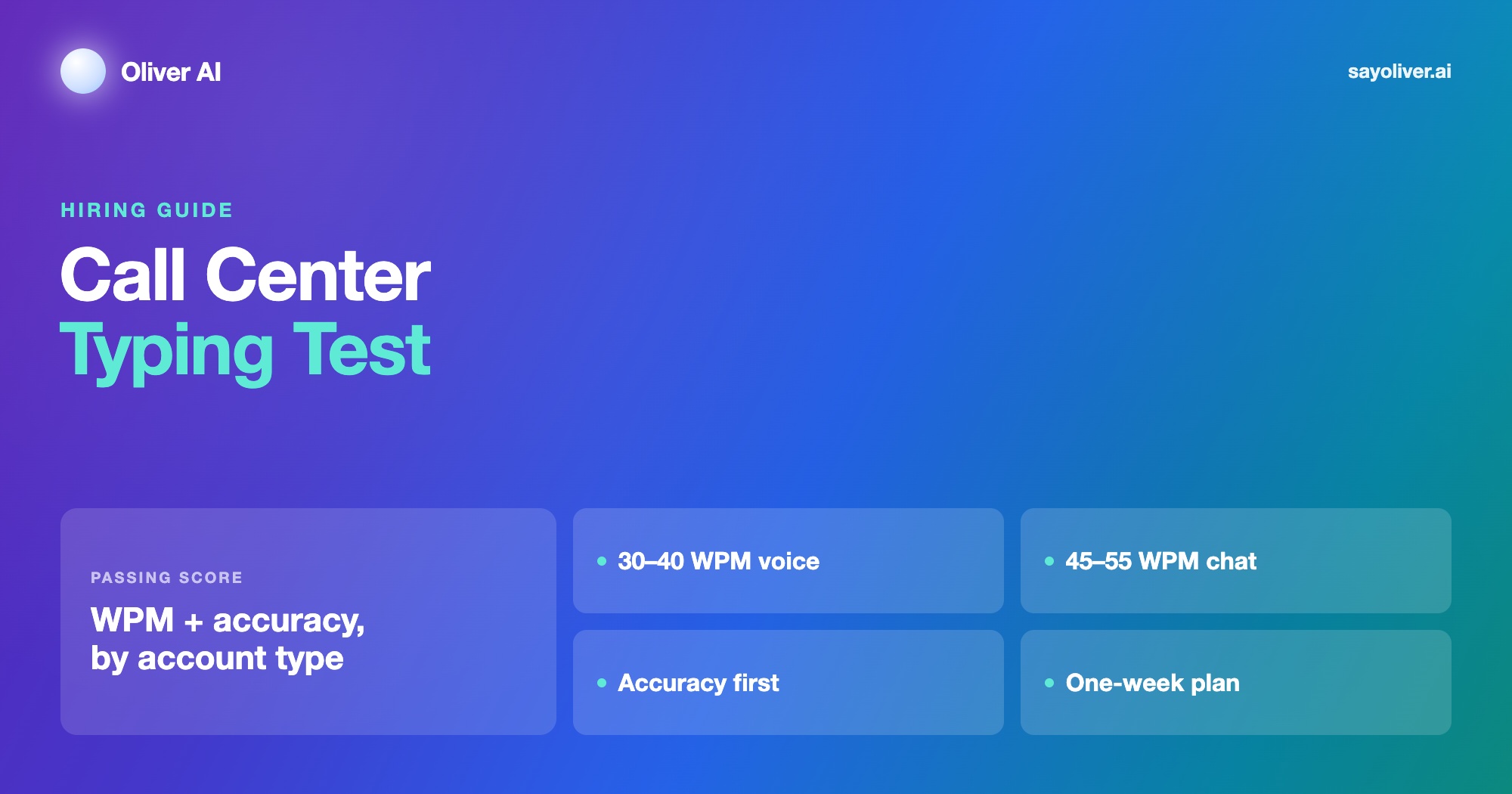
What the test actually measures
Every version of the test checks the same two numbers, words per minute and accuracy, but weights them differently than a plain typing test does. A recruiter reading your score is asking one question: can this person enter what a customer says into the system correctly, while still listening and talking. Speed without accuracy fails that question, because a wrong digit in an account number or a misspelled email address creates a callback, and a callback costs the account more than a few slow seconds ever would.
| Account type | Typical WPM bar | Accuracy bar | Why it differs |
|---|---|---|---|
| Voice, inbound support | 30 to 40 WPM | 90 to 95% | You are typing while talking and listening, not typing alone |
| Voice, sales or collections | 35 to 40 WPM | 90 to 95% | Similar to support, plus fast data entry during the call |
| Chat or email support | 45 to 55 WPM | 95%+ | No spoken conversation competing for attention, so the bar moves up |
| Back office or data entry | 50 to 60 WPM | 97%+ | Typing is the whole job, not a secondary skill |
Take a call center typing test
Type the call note below. The clock starts on your first key. Your score uses the same net WPM and accuracy as the table on this page. It is a practice score, not a result from any employer's test.
On a phone? The real test is taken on a computer keyboard, so expect a lower score here.
Why accuracy costs more than speed
Most scoring formulas subtract more than one word for every error, not one for one, which is why a fast, sloppy typist scores lower than the raw WPM number suggests. A common version of the formula is net WPM equals gross WPM minus (errors divided by the time in minutes), so on a 5-minute test, ten errors can cost 2 WPM off the top before accuracy is even scored separately.
That is why a 60 WPM attempt at 88% accuracy typically nets out below a 38 WPM attempt at 98%, the exact comparison recruiters use when two candidates look identical on the raw number. If you are deciding where to spend your practice time, accuracy moves the pass or fail line faster than speed does for almost everyone above 25 WPM.
Typing sorted. Practice the call that comes after it, free, with no account or card needed.
Typing sorted. Practice the call that comes after itWhat the passage actually looks like
This is the part most typing-practice sites get wrong for call center prep, because they train you on literary prose, evenly spaced words with no numbers or symbols. The actual test usually looks different.
- A mix of full sentences and short fragments, closer to how a support ticket or chat transcript reads than a novel
- Numbers written both as digits and spelled out ("42 units" and "forty-two units" in the same passage), since real account numbers and order IDs appear both ways on real calls
- Occasional punctuation clusters, commas, hyphens, and parentheses, that slow typists who rely on rhythm rather than reading each character
- Some platforms run a dictation-style section instead of copy-typing, where you type what you hear rather than what you read, which tests listening and typing at the same time
How the test is administered
Large accounts commonly run the typing section through a bundled assessment platform, Harver, eSkill, and TestGorilla are the ones candidates report most often, alongside a smaller in-house web form for BPOs that built their own screening. Format varies by platform: some run a single 5-minute passage, others run three separate 1-minute passages and average them, which changes how you should pace yourself.
Know which format you are sitting before you start if the invite tells you. A single long passage rewards consistent pace over the full five minutes. Three short passages reward a fast, clean start each time, since a rough first ten seconds costs proportionally more on a one-minute test than on a five-minute one.
Typing sorted. Practice the call that comes after it, free, with no account or card needed.
Typing sorted. Practice the call that comes after itA one-week practice plan
Typing is the most improvable section of the whole hiring process because it responds to mechanical practice faster than English fluency or interview skill does. This plan assumes you are starting somewhere between 20 and 35 WPM, which is where most first-time BPO applicants land.
- Days 1 to 2: baseline test, then ten minutes a day of accuracy-only practice, slow enough that you make close to zero errors. Speed comes later; a clean 25 WPM is a better foundation than a sloppy 35.
- Days 3 to 5: switch to timed 3-minute passages, ideally ones with mixed numbers and punctuation rather than plain prose. Track WPM and error count separately after each attempt.
- Day 6: simulate the real format if you know it, one long passage or three short ones, at the actual time limit, with no pausing to fix mistakes mid-passage.
- Day 7: one final timed attempt in the morning, then stop. Cramming the night before tends to raise error rate from fatigue more than it raises speed.
Technique fixes that move the number fastest
A week of practice moves your score more through technique than through raw repetition. These are the fixes that show up first.
Stop looking at your hands
Looking down breaks your reading rhythm every time your eyes move, which costs more time than most typists realize. If you cannot touch-type yet, a week is not enough to fully relearn it, but forcing yourself to look at the screen even at a slower pace usually nets faster than looking down at a slightly higher raw speed.
Do not backspace to fix small errors
Stopping to correct a typo costs more net time than leaving it, because the pause breaks pace for the next several words too. Most scoring formulas already account for an expected error rate. Type through minor mistakes and let the accuracy score handle it, unless the test explicitly requires a clean final line.
Read one phrase ahead, not one letter ahead
Typists who read a whole phrase before typing it move faster and more accurately than typists who read and type character by character, because the eyes are not the bottleneck, the fingers are, and phrase-reading keeps the fingers continuously fed.
Typing sorted. Practice the call that comes after it, free, with no account or card needed.
Typing sorted. Practice the call that comes after itWhat happens if you fail
A typing score that misses the bar for a voice account is one of the easiest outcomes to fix, because it is one of the only sections a candidate can retest and visibly improve within days. Many BPOs allow a retest after a short cooling-off period, commonly one to two weeks, and some will move you to a role with a lower typing bar (voice support instead of chat, for example) in the same sitting rather than reject you outright.
If you are told your score without context, ask what the bar was for the specific role, not just whether you passed. A 32 WPM that fails a chat-support bar of 45 would have passed a voice-support bar of 30, and that distinction changes what you do next far more than a plain pass or fail does.
Frequently asked questions
What is a passing score for a call center typing test?
It depends on the account. Voice support and sales roles commonly ask for 30 to 40 WPM at 90 to 95% accuracy. Chat and email support usually ask for 45 to 55 WPM at 95% or higher, since there is no spoken conversation competing for attention. Back-office and data-entry roles ask for the most, often 50 to 60 WPM at 97% or higher.
Is the call center typing test about speed or accuracy?
Accuracy, more than the raw WPM number suggests. Most scoring formulas subtract several words per minute for each error, so a fast but error-prone attempt often scores lower than a slower, cleaner one. A 38 WPM attempt at 98% accuracy typically nets out above a 60 WPM attempt at 88% accuracy.
What does a call center typing test look like?
Most are a timed passage of mixed sentences and fragments, closer to a support ticket than a novel, often including numbers written as both digits and words, and punctuation clusters like commas and hyphens. Some platforms run three short one-minute passages instead of one long one. A few run a dictation-style section where you type what you hear rather than what you read.
How can I improve my typing speed for a call center job in a week?
Spend the first two days on accuracy-only practice at a slower pace, then move to timed 3-minute passages with mixed numbers and punctuation for the middle of the week, then simulate the real test format and time limit once near the end. Ten minutes a day is typically worth five to eight WPM over a week, and fixing accuracy moves the pass or fail line faster than chasing raw speed does.
What typing platforms do call centers use for testing?
Bundled assessment platforms such as Harver, eSkill, and TestGorilla are the ones candidates report most often, usually as part of a wider screening battery alongside grammar and a spoken-English test. Some BPOs run their own in-house web form instead. The invite or recruiter can usually tell you which one to expect.
What happens if I fail the typing test?
Most BPOs allow a retest after a short cooling-off period, often one to two weeks, and typing is one of the fastest sections to visibly improve with focused practice. Some recruiters will also move you to a role with a lower typing bar, such as voice support instead of chat, in the same sitting instead of rejecting you outright.
The typing test is the one part of the hiring process that improves almost in a straight line with practice, unlike the interview or the mock call, where preparation helps but nerves still play a part. Spend the week on accuracy before speed, learn the format you are actually sitting, and a typing score that fails today is usually a pass within one focused week. Once the typing bar is cleared, the round that still decides the hire is the mock call. Practice it against an AI customer before assessment day, the same way you practiced the timed passage.
See it in Oliver
Ready when you are
Practise before the next real conversation.
No sign-up required. Pick the scenario, add your name, and speak with a realistic AI partner. Get a scorecard and transcript after every call.